Every tool you reach for.
Right where you expect it.
Crop, Heal and Masks are one click away, and every adjustment folds into one column. Every slider updates the picture and the histogram as you drag. Pick a panel to see it in the app. Heal clones, fills and fixes red eye too, and View ▸ Engine Report shows every step of the last render.
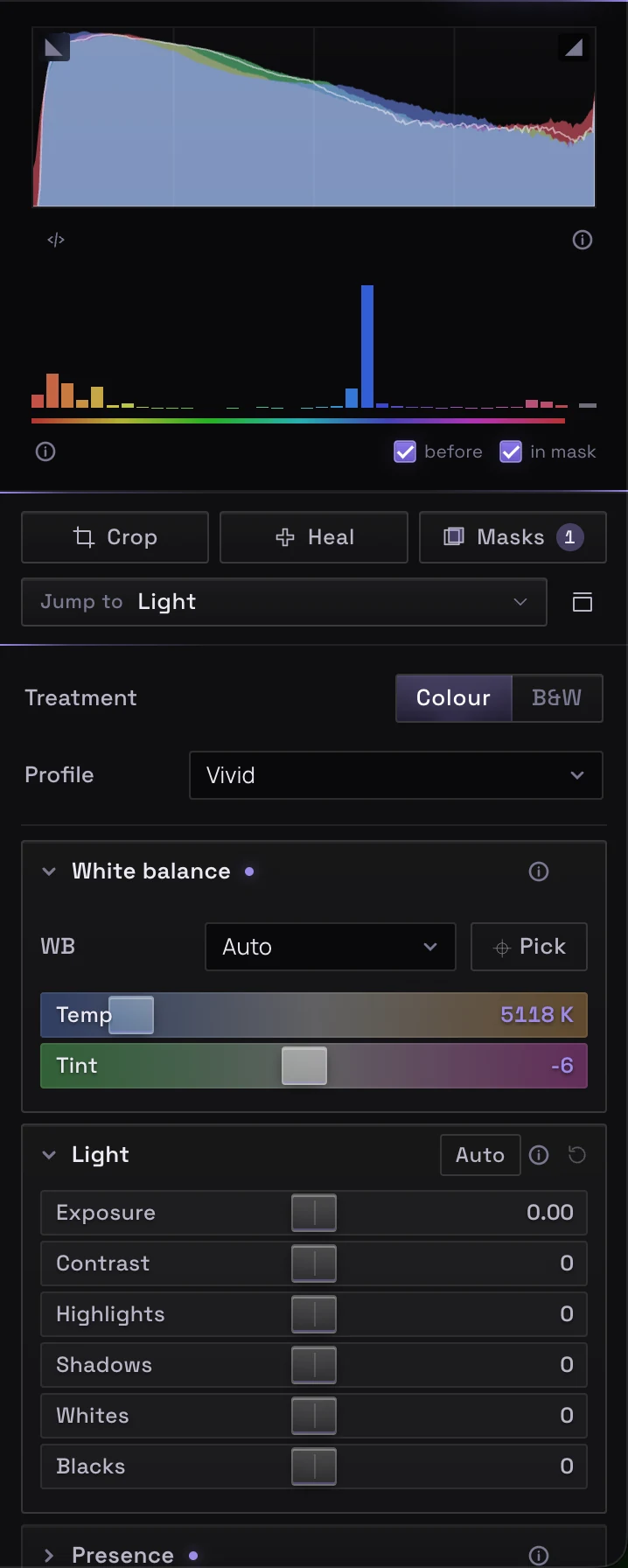
Get the exposure right in seconds.
Colour or B&W, a profile, white balance in real Kelvin on RAW files, then exposure and tone, with a scene-aware Auto that knows a flat, overcast frame needs contrast, not a highlight pull.
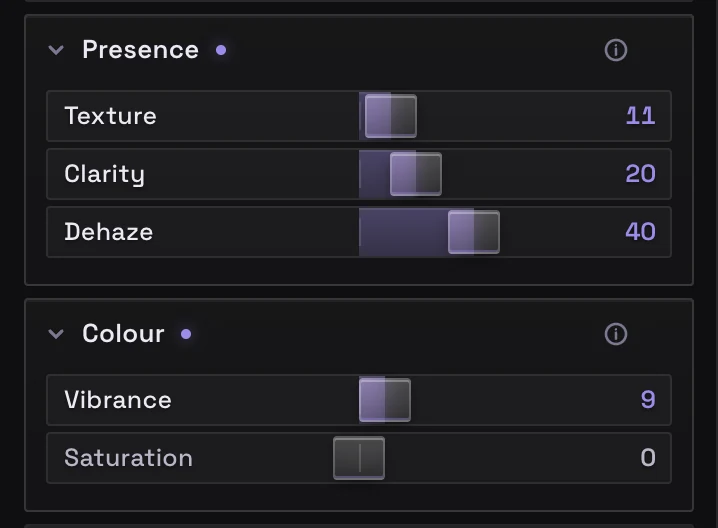
Add bite without the crunch.
Texture for fine detail, Clarity for midtone contrast and Dehaze to cut through haze, then Vibrance to lift the muted colours before the strong ones.

Pull one colour forward and push the rest back.
Eight bands of hue, saturation and luminance, point colour for a single sampled shade, and a black-and-white mix when you go monochrome.
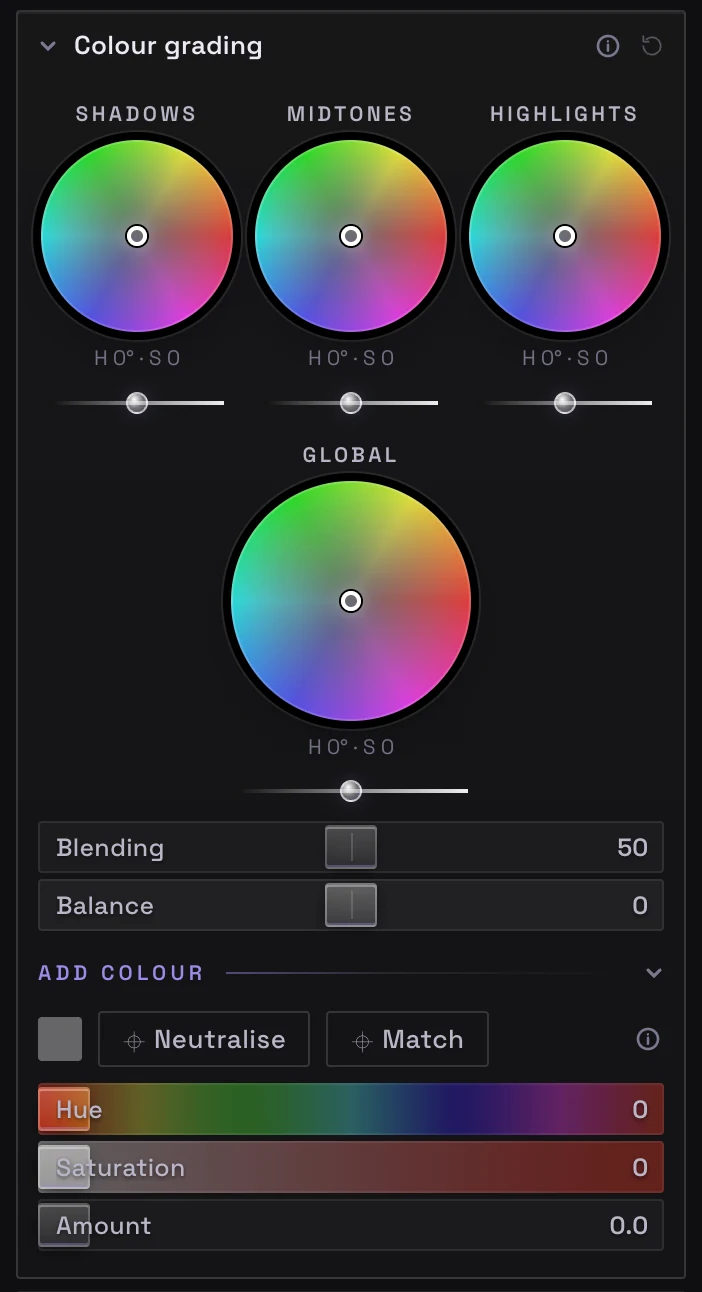
Give every set its own look.
Shadow, midtone, highlight and global wheels with blending and balance, and Add colour, which tints the light like a gel on a lamp or matches a colour you pick.
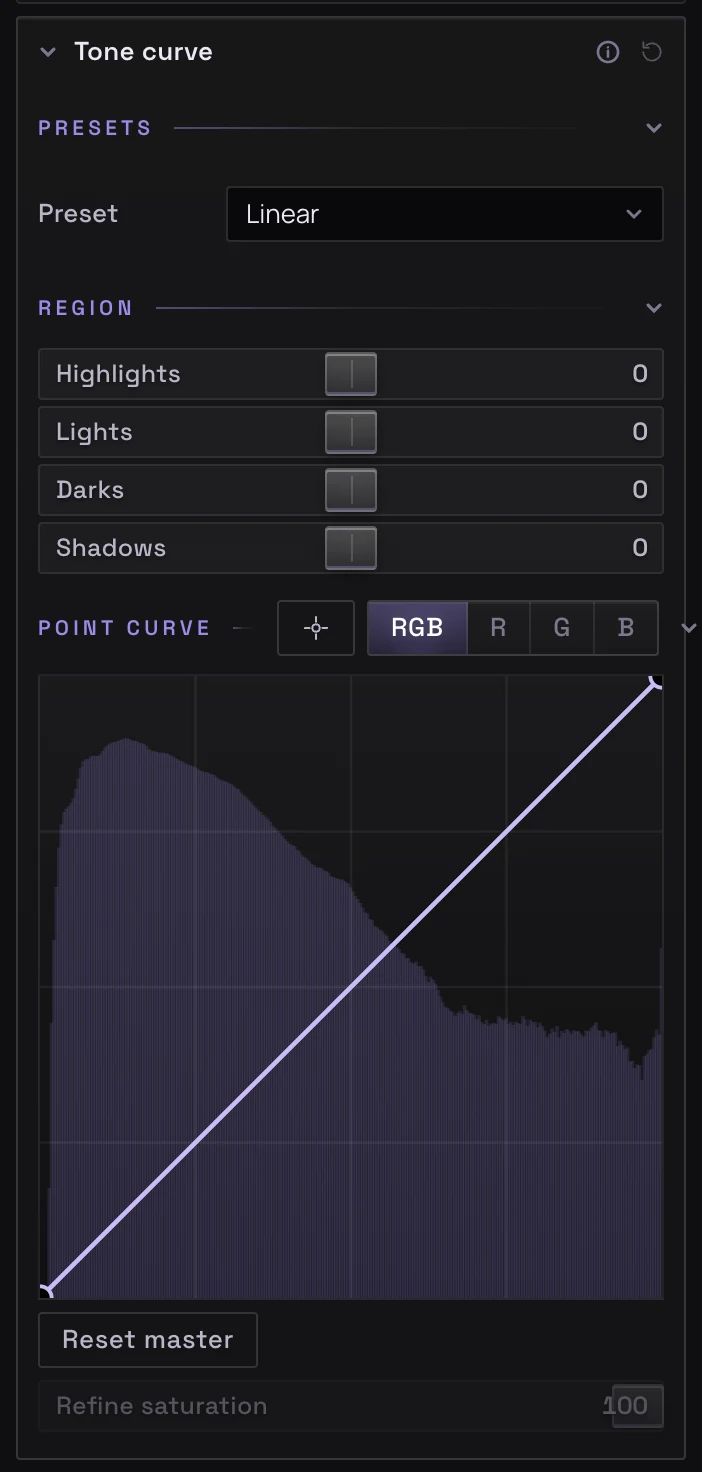
Shape contrast exactly where you want it.
Curve presets, parametric regions, RGB point curves over the histogram, and a targeted tool that drags the curve at the tone under your pointer.

Clean up high-ISO shots without the plastic look.
Sharpening with edge masking. AI noise reduction runs once on your own computer and keeps a Strength slider, for the whole photo or inside a mask, or use classic luminance and colour noise reduction.
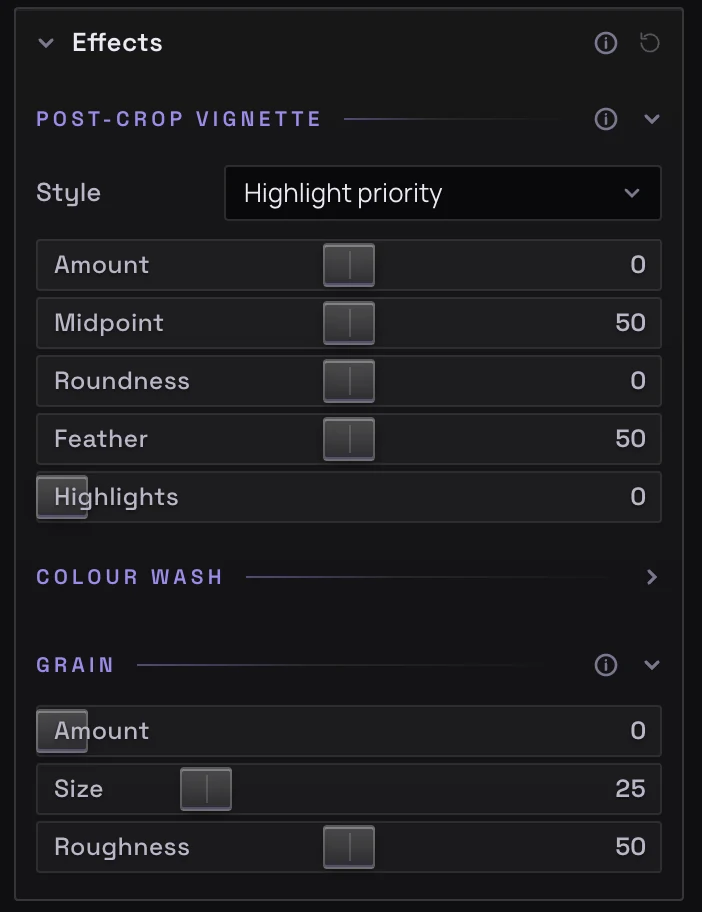
Finish with a vignette and film grain.
A post-crop vignette fitted to the frame, a colour wash, and grain that stays the same every time you export.
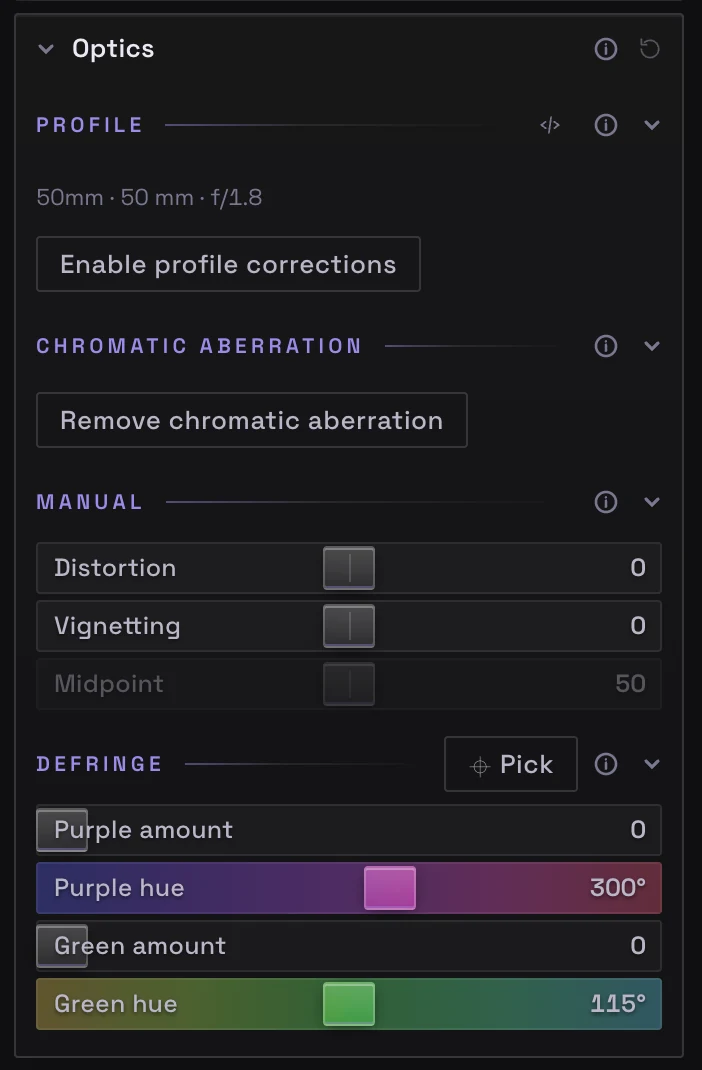
Undo what the lens did.
Your lens recognised from the file, with profiles for about 1,500 lenses that work offline, chromatic aberration measured on the photo, defringe with a picker, manual distortion and vignetting, and defish for fisheye lenses.
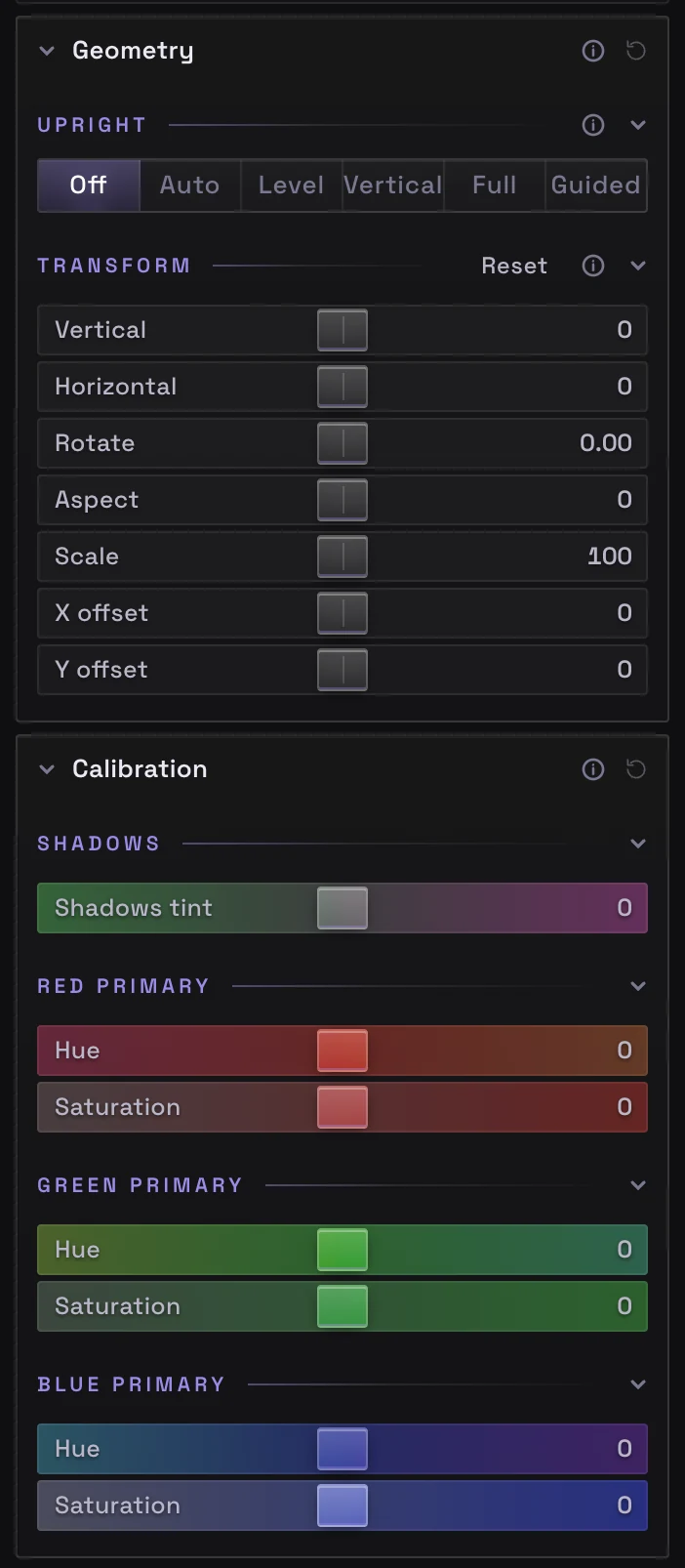
Straight lines, true colour.
Upright fixes converging verticals: Auto, Level, Vertical, Full, or Guided from lines you draw, with manual transforms. Calibration tunes the shadow tint and the red, green and blue primaries, the way colourists build a signature look.
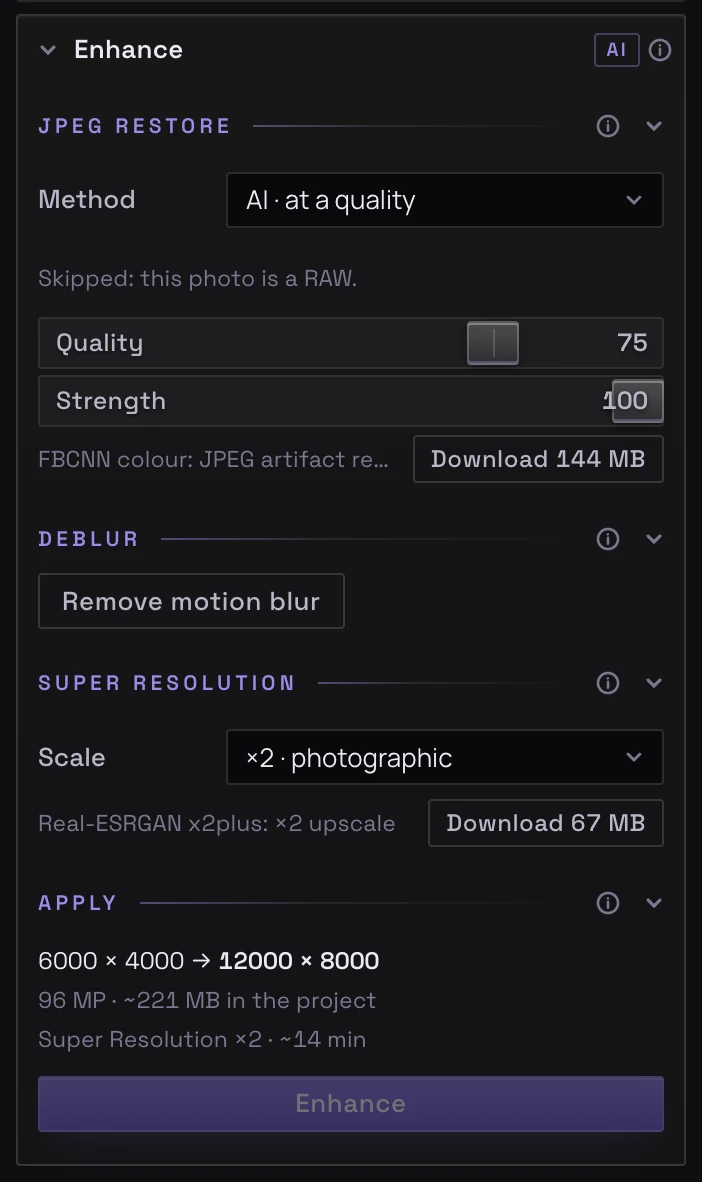
Rescue old JPEGs. Print bigger.
JPEG repair, motion deblur and AI Super Resolution at ×2 or ×4, run on your own computer. The result is kept in the photo's project as a step you can undo, with your edits still live on top. Each model downloads once, the first time you use it.
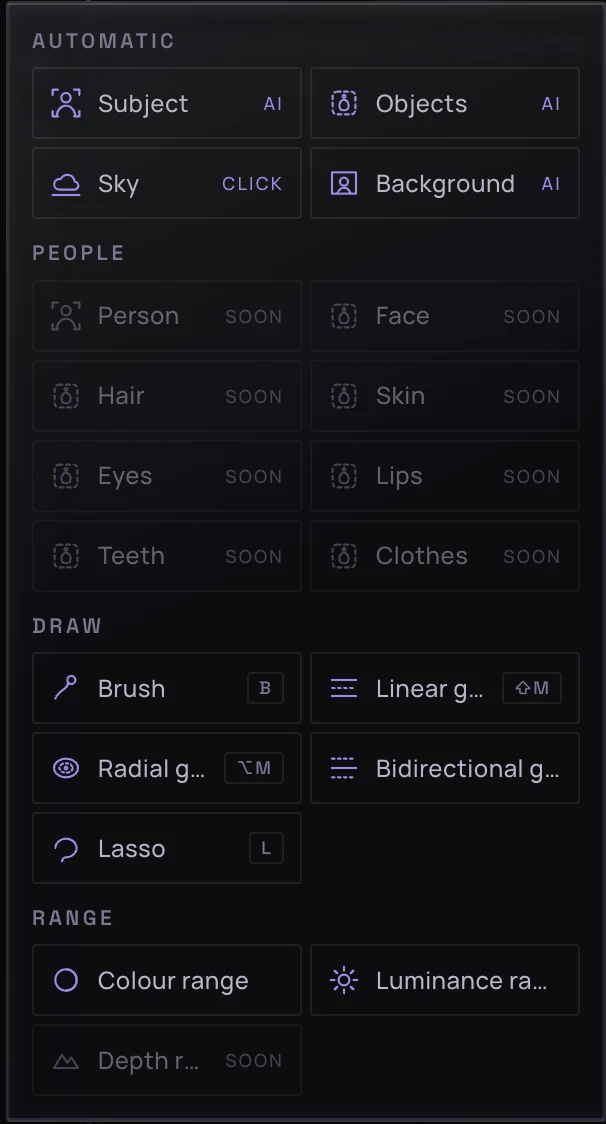
Edit just the subject, just the sky, just the berries.
Subject, Background, Objects (click, box or scribble) and Sky, plus brush, gradients, lasso, and colour and luminance range, with snap to edges. Add, subtract and intersect them, then every panel edits just that mask. People and depth masks are coming.
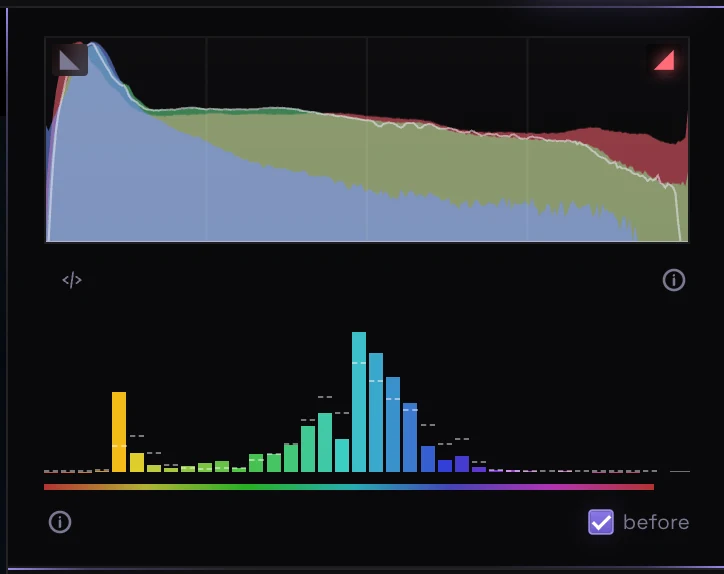
See the light and the colour at a glance.
An RGB histogram with clipping warnings, and a hue chart showing how much of each colour is in the photo, compared with before your edits or measured inside a mask.